Transparent panels
Pets render as borderless AppKit overlay panels that float above normal windows where macOS permits it.
Pet management and overlays
The Manage Pets window lists each pet with its sprite preview, name, workspace folder, command, and basic state. New pets appear as overlays without running their command.
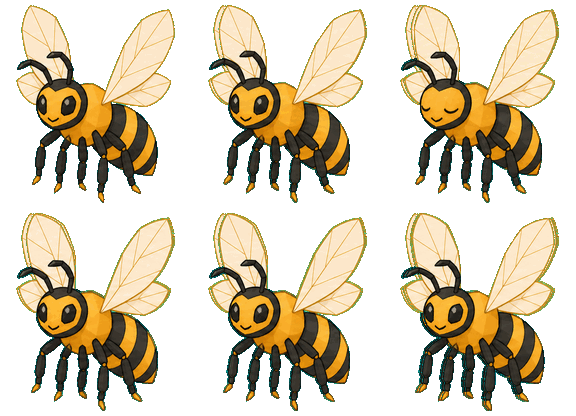
repo
working
agent
idle
docs
working
release
idle
Pets render as borderless AppKit overlay panels that float above normal windows where macOS permits it.
Pet frames persist through the settings store and are sanitized back onto visible screens when needed.
Hide individual pets from their context menu and restore them from the Hidden Pets section in the menu bar.